Your pace.
Choose a session length that fits your day. Take the next step when you have the time and attention.
A learning space for your curiosity
A personal learning path for whatever sparks your interest. Find your starting point. Make the next idea click.

Technology / Example course
Understand what happens between opening a browser and seeing a website.
Your browser asks a server for a page. The server sends back the files, and your browser puts them together into the website you see.1
Think of asking a librarian for a book: you make a request, and they send back what you asked for. A browser and a server exchange requests and responses in a similar way.
Follow an idea back to its source and take a closer look.
A browser requests a page from a server, receives the website’s files, and uses them to display the page. This example paraphrases MDN’s explanation.
Read the original source (opens in a new tab)This is an authored product example. Your own lessons are checked before publication.
One question. A whole new way to see it.
The way to understanding
Your curiosity
Something you have always wondered about. Something you need for work. Something you simply want to understand.
Choose a topic, a goal, and the time you have.
Start learningUnderstand what happens when I open a website.
A little time, a little progressFollow an interest

Space & physics
What lies beyond the event horizon?

Mathematics
Make a little more sense of chance.
Technology
Follow a click all the way to a website.

Ideas & thinking
Make room for a different way of thinking.
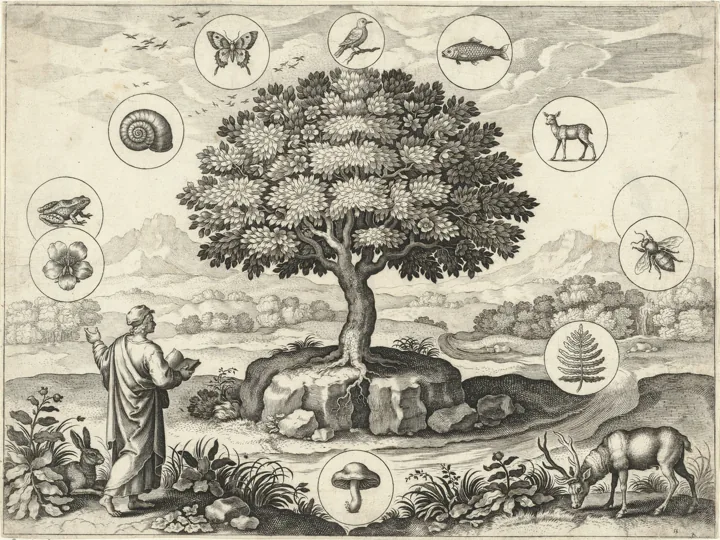
Life & nature
Look a little closer at the living world.
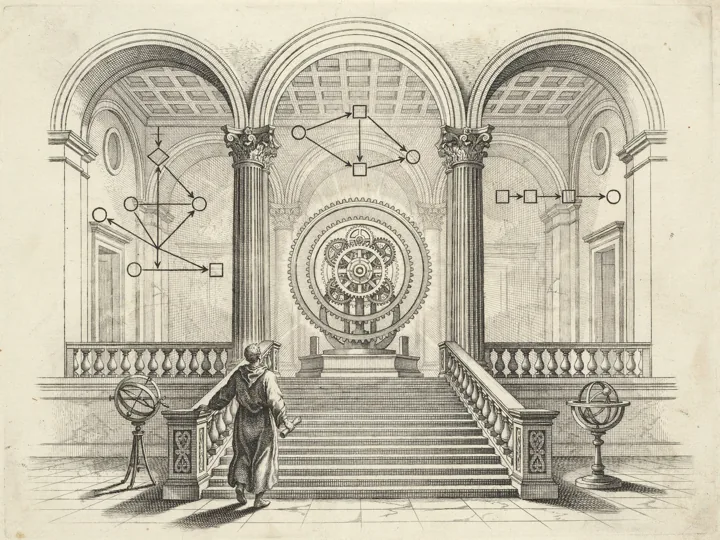
Programming
Turn an idea into something that runs.
Pick a possibility. Make the path your own.
Make it click
Explore the explanation. Try the idea. Ask for another way in when you need it.
A closer look at the teachingUnderstand what happens between opening a browser and seeing a website.
Your browser asks a server for a page. The server sends back the files, and your browser puts them together into the website you see.1
Think of asking a librarian for a book: you make a request, and they send back what you asked for. A browser and a server exchange requests and responses in a similar way.
Follow an idea back to its source and take a closer look.
A browser requests a page from a server, receives the website’s files, and uses them to display the page. This example paraphrases MDN’s explanation.
Read the original source (opens in a new tab)This is an authored product example. Your own lessons are checked before publication.
Choose a session length that fits your day. Take the next step when you have the time and attention.
Ask for a simpler explanation or another example, right beside the idea you are learning.
Your lessons stay saved. Revisit a useful explanation, or pick up where you left off.
Look a little closer
Research first. A separate verification step next. And the sources beside you, so you can see where an idea comes from.
AI can still make mistakes. Source checks and verification help; they do not make every answer infallible.
Find material to support the learning path and its lessons.
Repair or withhold content that does not pass verification.
Make the evidence available beside the explanation.
A browser requests a page from a server, receives the website’s files, and uses them to display the page. This example paraphrases MDN’s explanation.
Read the original source (opens in a new tab)Your learning space
Request private beta access, connect your OpenAI API key after approval, and make a little room for understanding.
Generate text lessons and supported audio using your own key. Usage is billed by your provider.
Set up your keyCreate an account to request access. We’ll notify you when your workspace is ready.
Check beta accessGood questions
A few things to know before your first learning path.
Start with a topic and a goal: a scientific idea, a programming skill, a piece of history, or something you have always wanted to understand. ByPen researches sources and builds a path around your starting point.
No. You can begin with the foundations, or take an optional placement quiz if you already know a little. You choose how much time you want to spend on a session.
ByPen researches sources, then checks generated lessons in a separate verification step. Content that does not pass is repaired or withheld. You can inspect lesson sources. AI can still make mistakes, so important claims deserve a closer look.
Ask for a simpler explanation or another example beside the lesson. Inline practice gives you room to try; it does not silently pass a checkpoint or unlock the next level.
Create and verify your account, then wait for beta approval. Once approved, connect your own OpenAI API key in Settings. Lessons, verification, retries and audio use your API allowance.
Yes. Your courses, generated lessons, and learner progress are saved in your ByPen workspace. Open My courses to continue or revisit an idea.
A little curiosity. A whole new world.